Example
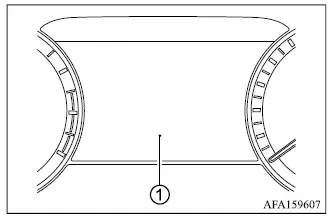
The multi-information display 1 is positioned as shown in the illustration and presents vehicle information, operating data, system messages and warnings. Depending on the Mitsubishi Outlander equipment level, the display may also provide the following:
- Tachometer information
- Digital speedometer
- Vehicle settings
- Trip computer information
- Driver assistance system status
- Cruise control system information
- MI-PILOT Assist information
- Key operation information
- Audio information
- Turn-by-turn navigation guidance
- Indicators and warning messages
- Tire pressure information
- Other available vehicle information
READ NEXT:
On models equipped with the full-screen display, the meter layout can be changed to enlarge the multi-information display area and provide more space for selected driving information.
How to use the
Example
The Personal Display area A can show several types of driving and vehicle information. To choose the item displayed in this area:
1. Press control switch 1 on the left side of the st
NOTE
The warning messages and indicators shown in the multi-information display may vary depending on the Mitsubishi Outlander's specifications, installed equipment, and vehicle configur
SEE MORE:
or
Brake warning light
(red)
This warning light monitors important functions of the Mitsubishi Outlander brake system and should never be ignored if it remains illuminated while driving.
Low brake fluid warning light
When the ignition switch is placed in the ON position, the brake
WARNING
Never continue driving the Mitsubishi Outlander if the engine is overheating. Continuing to operate the vehicle under these conditions could cause severe engine damage and may create a risk of fire.
Never open the hood while steam is escaping from the engine compartment.
Never remove

